


Features
Quiet by default.
Capable when you need it.
A tour of what Loupe does today. Everything here is in the current Nightly build, and nothing needs an account with us.
The design rule
Simple by default, powerful on demand.
Every screen should feel familiar the first time you see it. No power feature gets a permanent button on the main screens; they live in four places instead.
- Long-press menusOn messages, senders, chips and folders.
- The ⋯ menuView Source, every header, and search from this message.
- The search languageEverything the chips can do, and more, by typing.
- Settings › AdvancedServer details, sync and the rarely needed switches.
Reading
Every message, made for a phone.
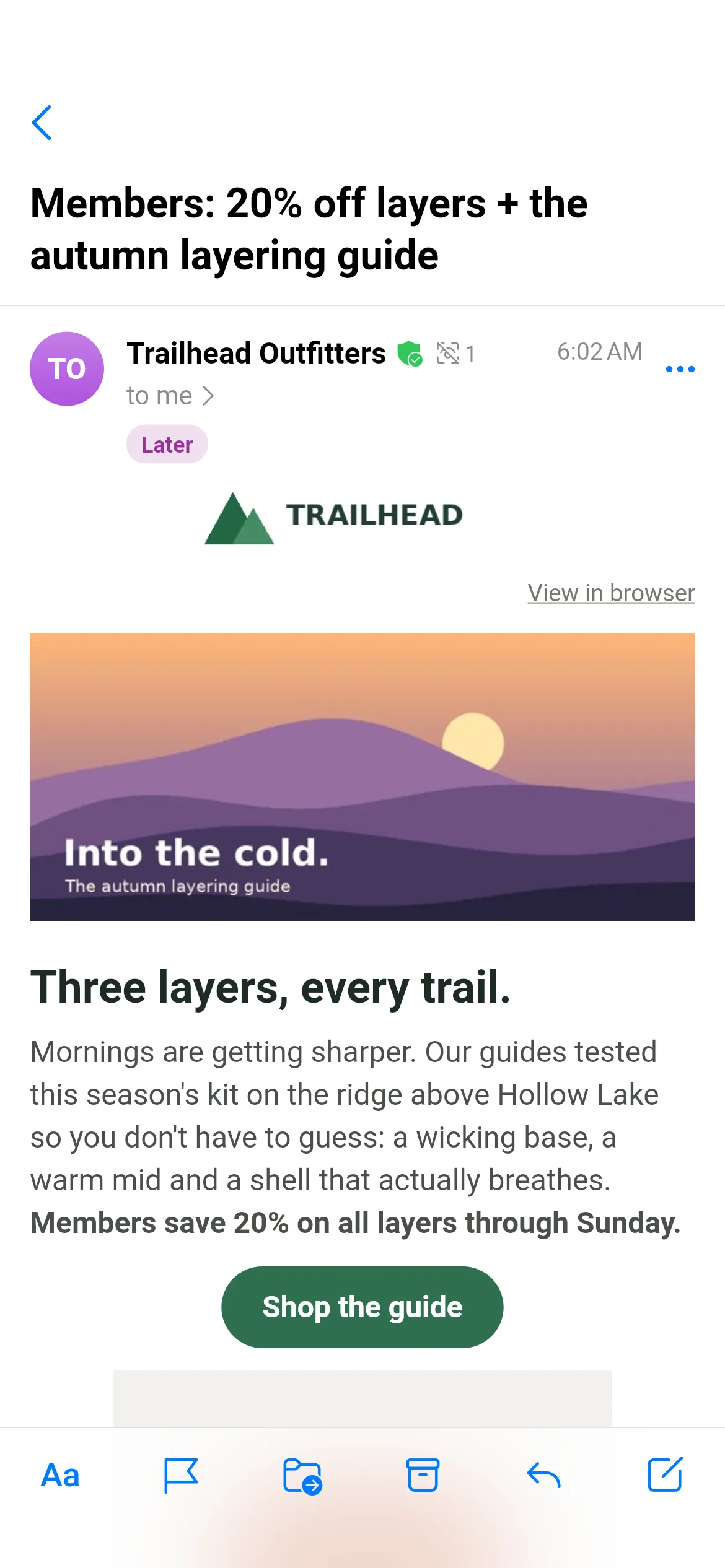
Most HTML mail is designed for a desktop inbox. Readable mode rebuilds it for the screen in your hand, and the original is one tap away.
Readable, Original, Plain
Three views per message; Loupe can remember your choice per sender. Plain comes in Sans and Mono.
Photos as a gallery
Image-heavy mail turns into a carousel; tap for a full-screen gallery.
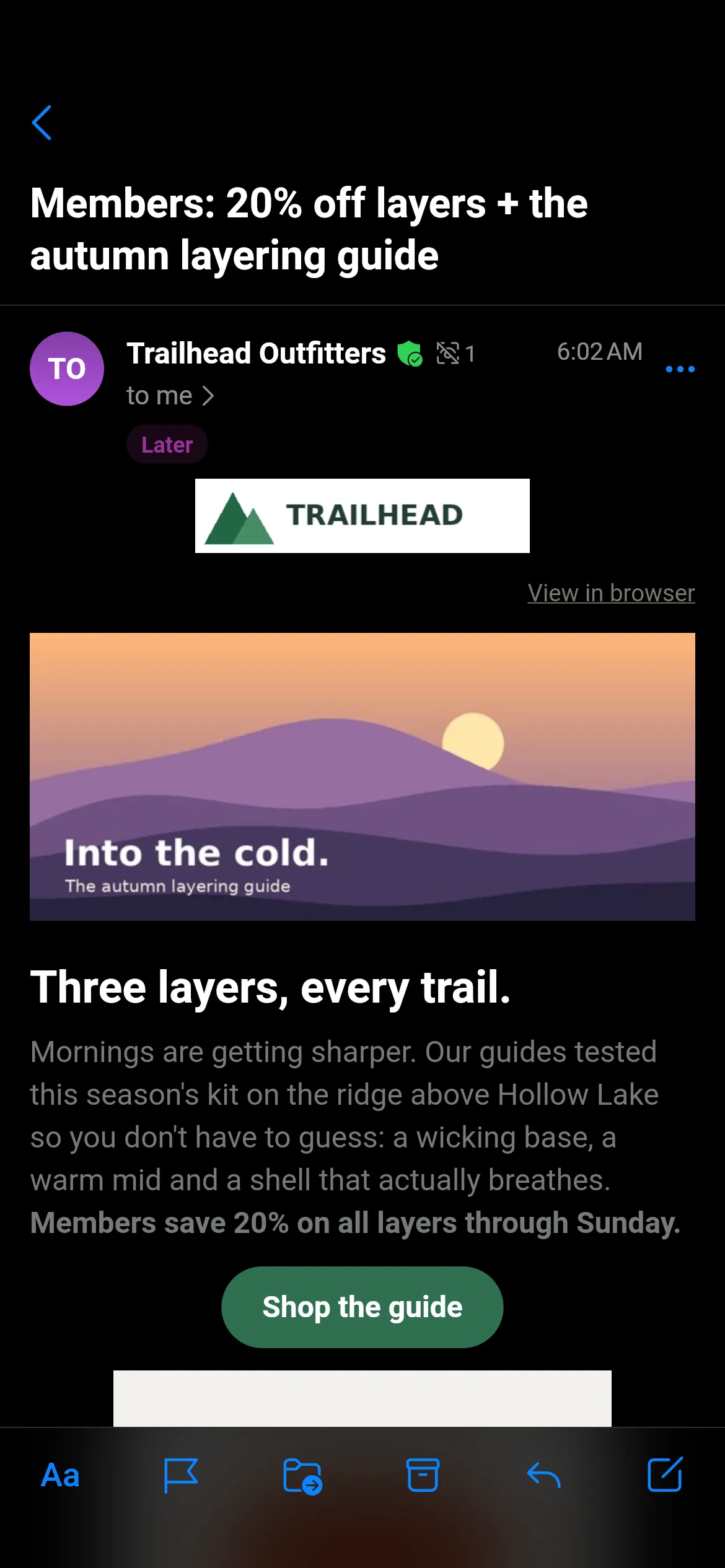
Dark mode that works
Colours fixed for dark backgrounds, so dark text never disappears.
Footers as fine print
Legal blocks and unsubscribe boilerplate shrink out of the way.
Under the hood
How Readable mode works
Every message goes through the same six steps, in the background, with limits on size, depth and time so a hostile message can't stall the app.
Parse like a browser
Broken markup is recovered the way browsers recover it.
Drop what you shouldn't see
Scripts, styles, forms, hidden preheaders and spam padding go, and so do tracking pixels.
Rebuild the layout
Layout tables become one readable column; real data tables stay tables and scroll on their own.
Keep what matters
Colours, highlights and emphasis stay; big text becomes a heading, legal footers become fine print.
Fix colours for dark mode
Text that would lose contrast changes lightness but keeps its hue, so a yellow highlight stays yellow.
Draw it natively
No web view and no JavaScript: nothing in a message can run, and selection and accessibility simply work.
Search
Find anything, the way you think.
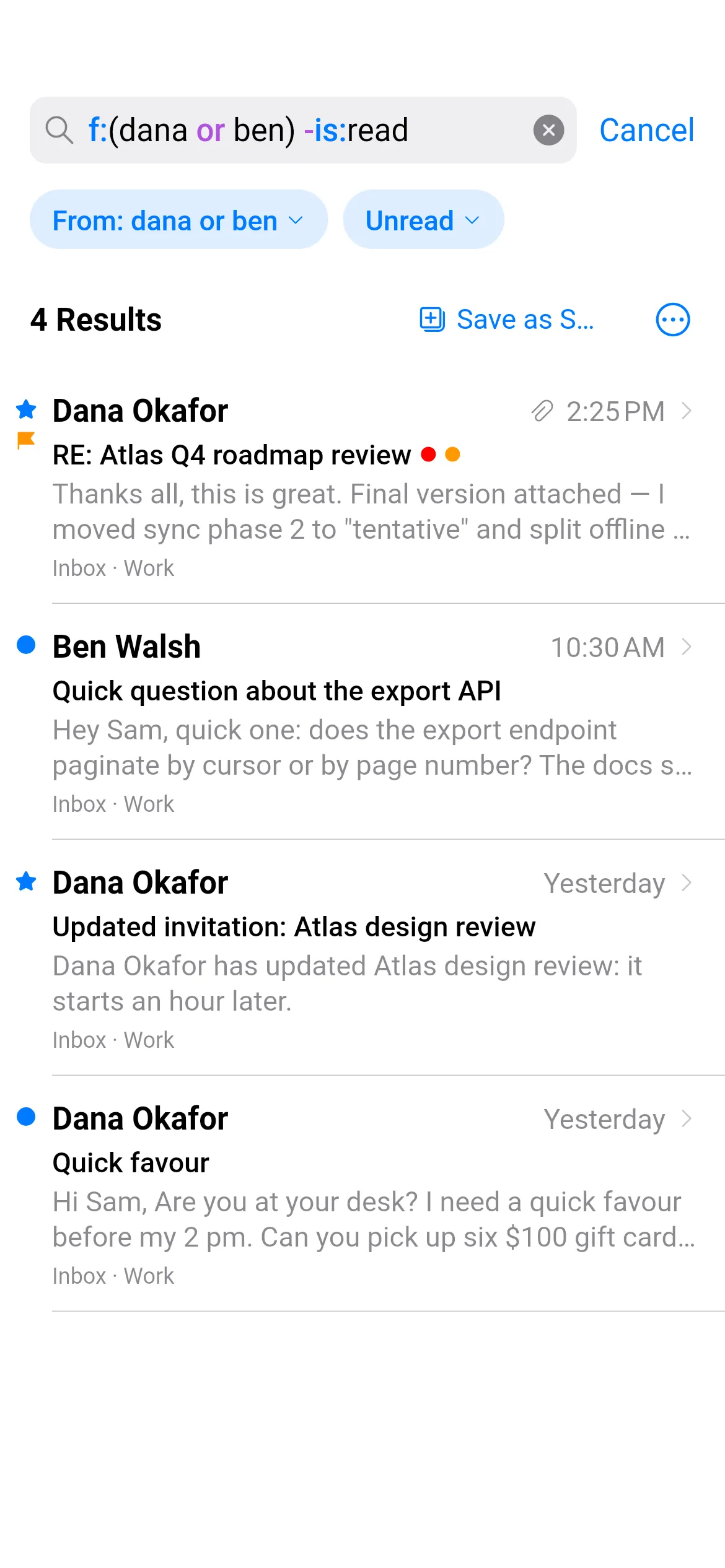
Pull down to search. Tap chips, or type an expression with the same power as a desktop client. Loupe answers from the phone at once and asks the server in parallel.
Every operator Tap one to add it to the search.
A demo mailbox, searched in your browser the way Loupe reads the query.
Chips and expressions
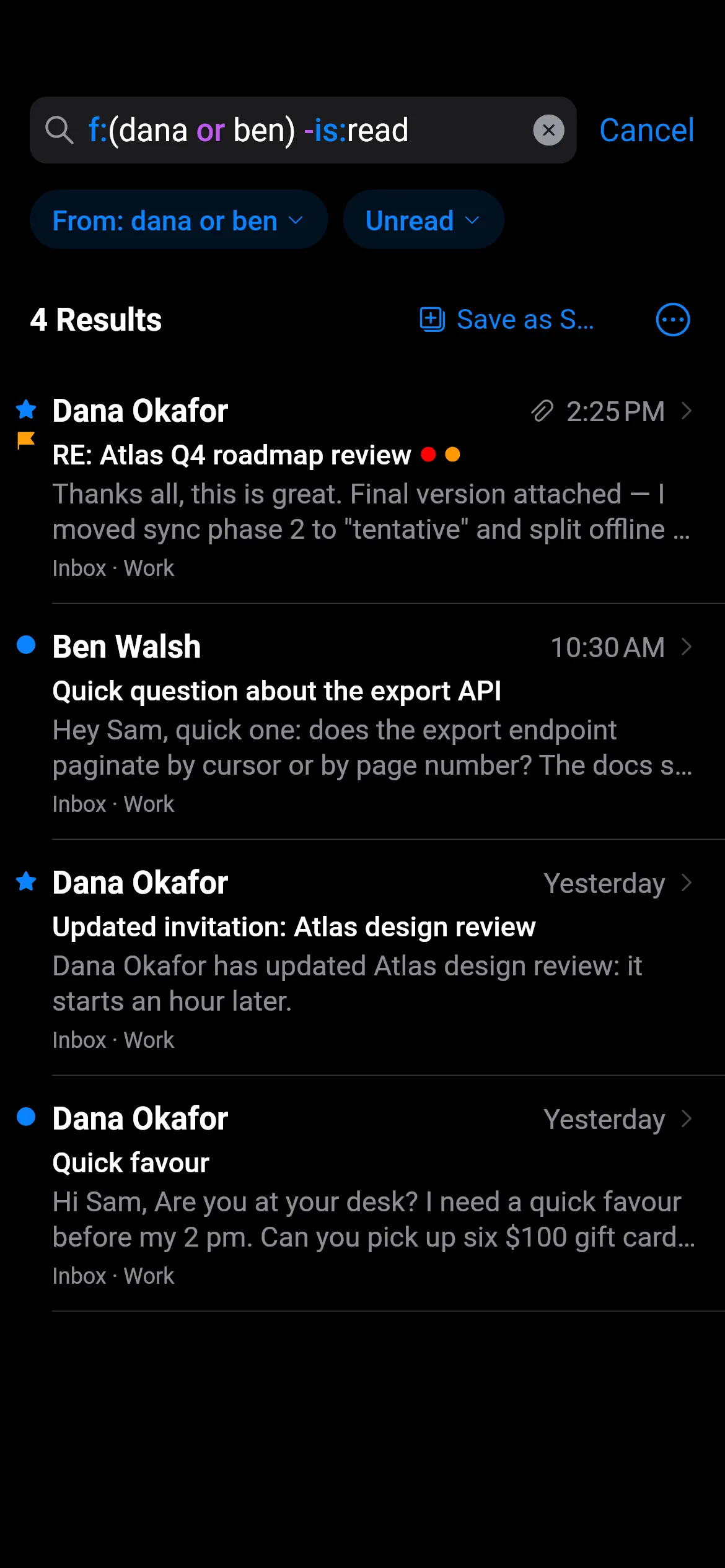
Type an expression and each part becomes a chip in plain words; tap one to change it.
Local first, server after
Instant results from the encrypted on-device index, then the rest of your archive.
Smart Mailboxes
Save a search. It is stored on your server and appears on your other devices.
Search to rule
Any search can become a device or server rule in two taps.
Under the hood
One query, four engines
Loupe reads your query once, then asks every place your mail lives in its own language.
On your phone
Full-text search over the encrypted local copy, with results as you type.
IMAP servers
The whole and/or/not tree maps onto the server's own search.
Gmail
Translated into Gmail's own search syntax and run once, across all mail.
JMAP servers
One nested filter, answered in a single round-trip.
When a server can't express part of a query, Loupe asks for a slightly wider set and filters it on the phone, so the results always match exactly what you typed.
Organising
Inbox zero without the busywork.
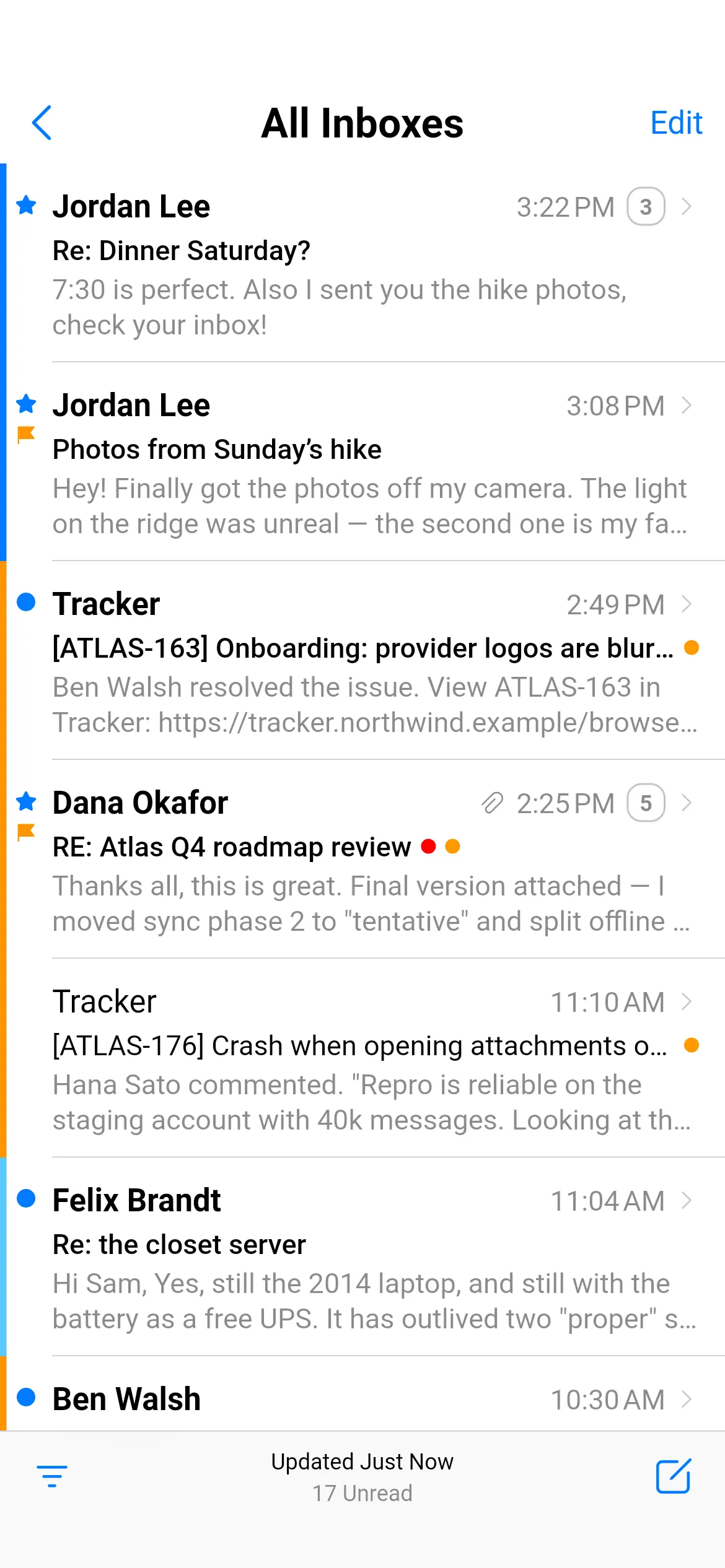
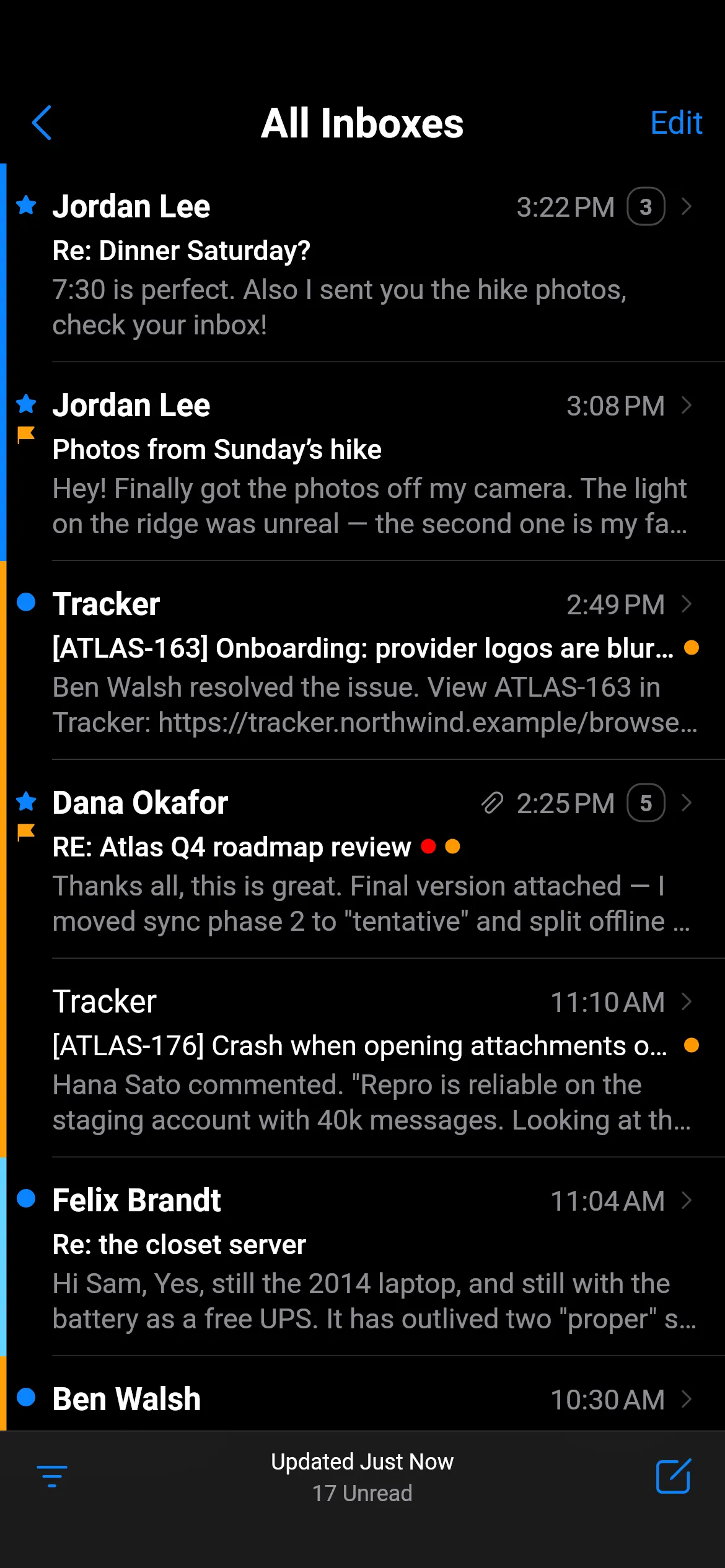
Swipes with Undo, a Filter button for the views you use every day, tags that match Thunderbird, and snooze that keeps working on your other clients.
Swipes with Undo
Archive, flag, read or move with a swipe; nothing is final until you say so.
Filter button
Unread, flagged, with attachments, unreplied or addressed to you.
Tags
Compatible with Thunderbird, so they look the same on your desktop.
Snooze
Stored on the server as a folder and a keyword, not in a vendor cloud.
Subscriptions
Newsletters, sorted by the people who send them.
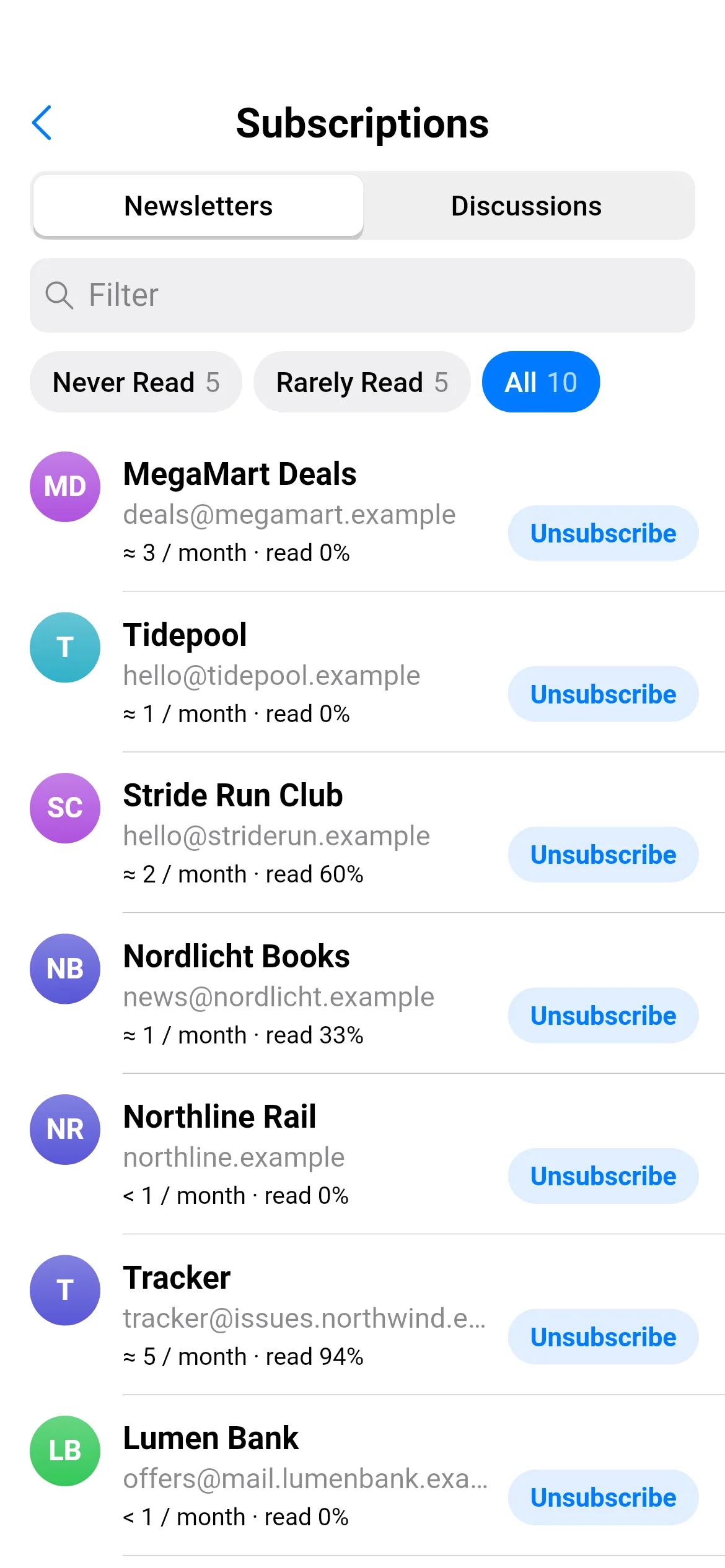
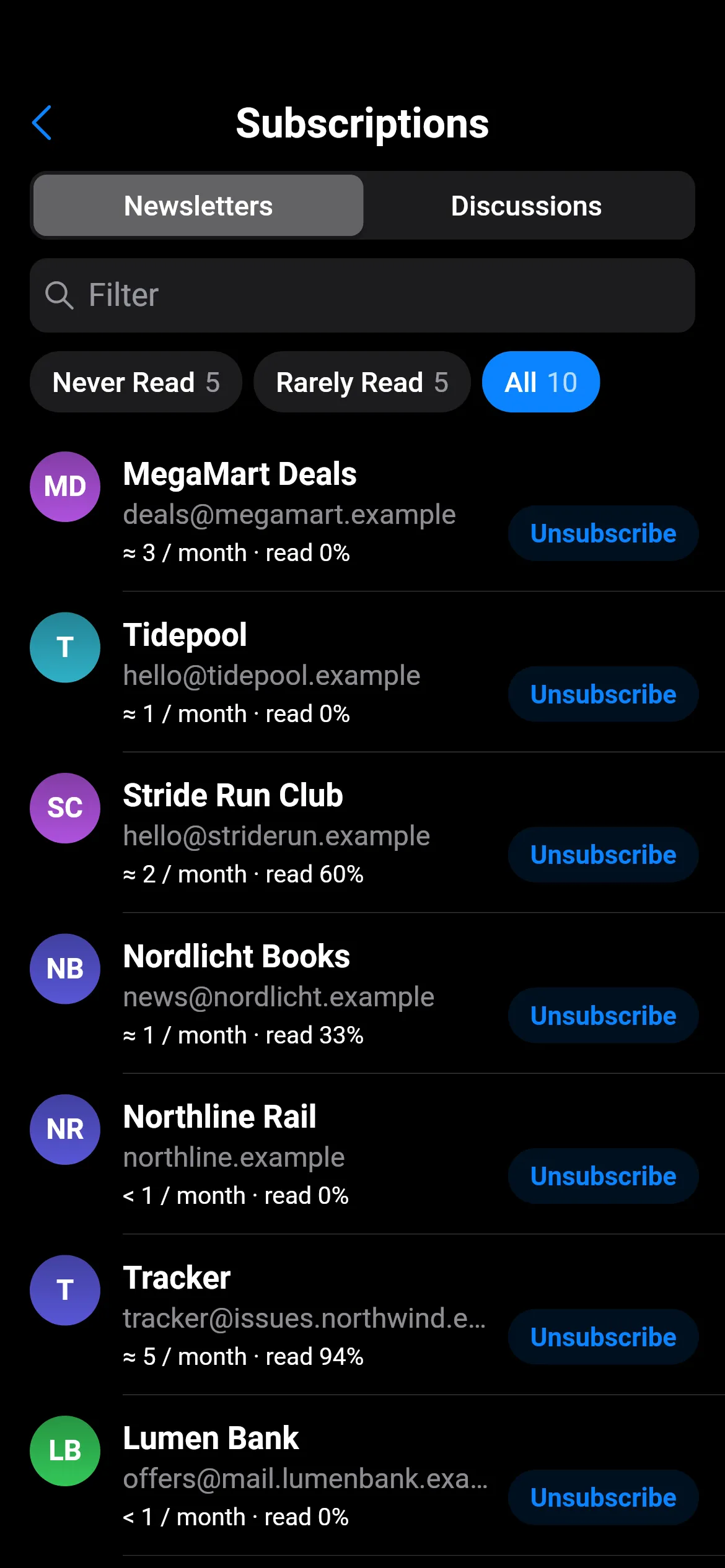
Loupe groups bulk mail by sender, shows how much of it you actually read, and unsubscribes on your phone, without a third-party service reading your inbox.
Newsletters and Discussions
Bulk senders and the mailing lists you write to, in two tabs.
Unsubscribe centre
One-click, by mail or on the sender's page: whatever the sender supports.
Lists as forums
Mailing-list threads read like a forum, with muting per thread.
Patches as diffs
Patches sent to a list are drawn as coloured diffs, for people who review code by mail.
Security and privacy
No servers. No tracking. No exceptions.
Loupe talks to your mail provider and nobody else. There is no Loupe account, no analytics and no crash reporter. Your mail is encrypted on the phone.
Encrypted local store
Messages and the search index sit in an encrypted database.
Remote images blocked
Tracking pixels stay silent until you choose to load images.
Tracking links unwrapped
Redirect wrappers are removed, so you see and visit the real address.
OpenPGP and S/MIME
Keys on your device, Autocrypt for easy OpenPGP, Android KeyChain certificates for S/MIME.
Security details
- Encrypted connections only: no silent fallback to plain text.
- A self-signed certificate is trusted only after you've seen and confirmed its fingerprint.
- Messages are taken apart in the background, with limits, so a malformed one can't freeze the app.
- Passwords and tokens live in Android's keystore; the mail database is encrypted.
Protocols
Built around JMAP, fluent in IMAP.
Loupe's own data model follows JMAP, the modern mail protocol. IMAP accounts are translated into it, and JMAP accounts speak it natively.
- Efficient syncOnly what changed since last time crosses the network.
- Search in one round-tripComplex queries answered by the server in a single request.
- Sending without SMTPMail is submitted through the same connection.
- Push and SieveChanges pushed from the server, and rules written over JMAP.
Writing
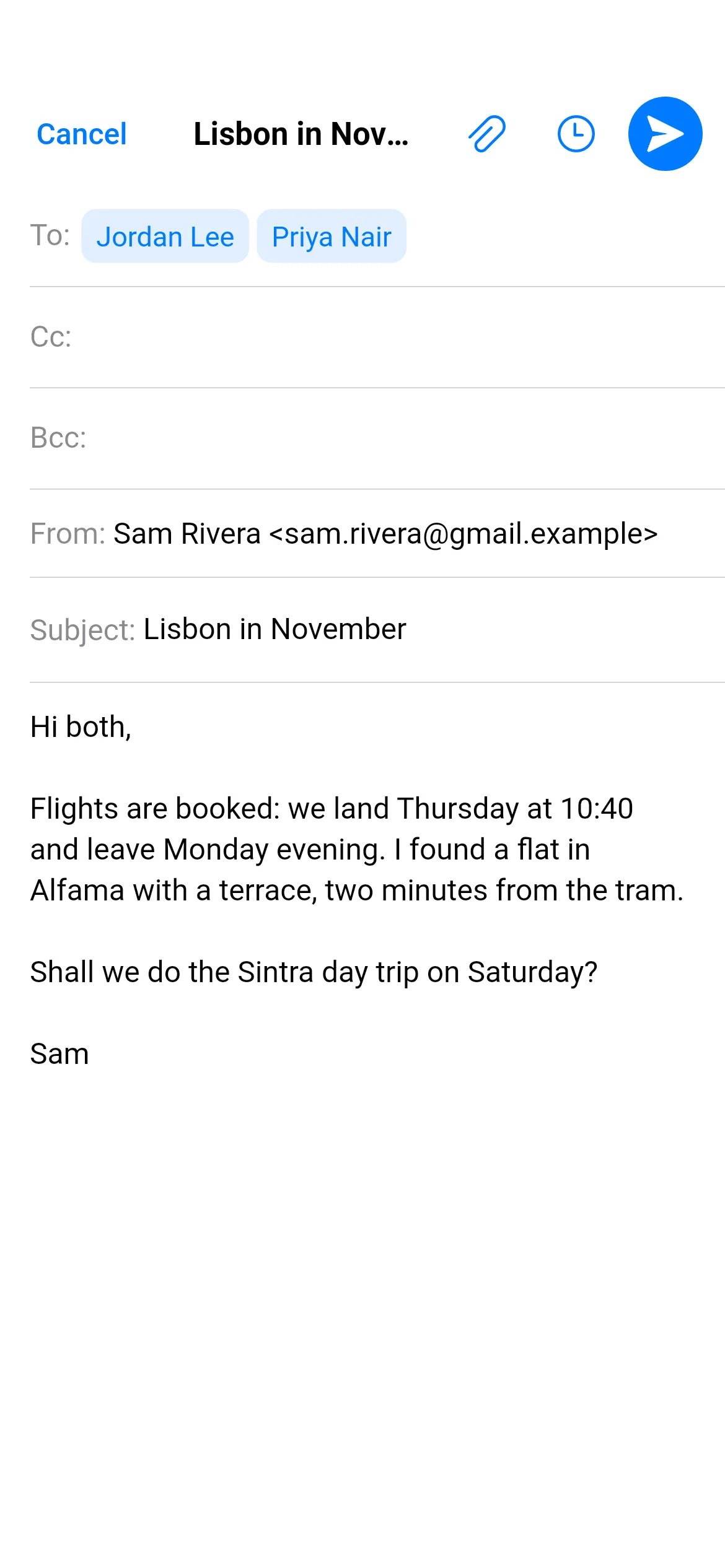
Send with confidence.
Identities and aliases, drafts that save themselves, a few seconds to take a message back, and an Outbox for mail that should go out later.
Identities and aliases
Reply from the address the mail was sent to, including catch-all aliases.
Undo send
A short window to change your mind.
Scheduled send
Pick a time; the Outbox keeps it until then, even offline.
Notifications with actions
Archive, Mark as Read or Reply from the notification.
And more
The rest of the toolbox.
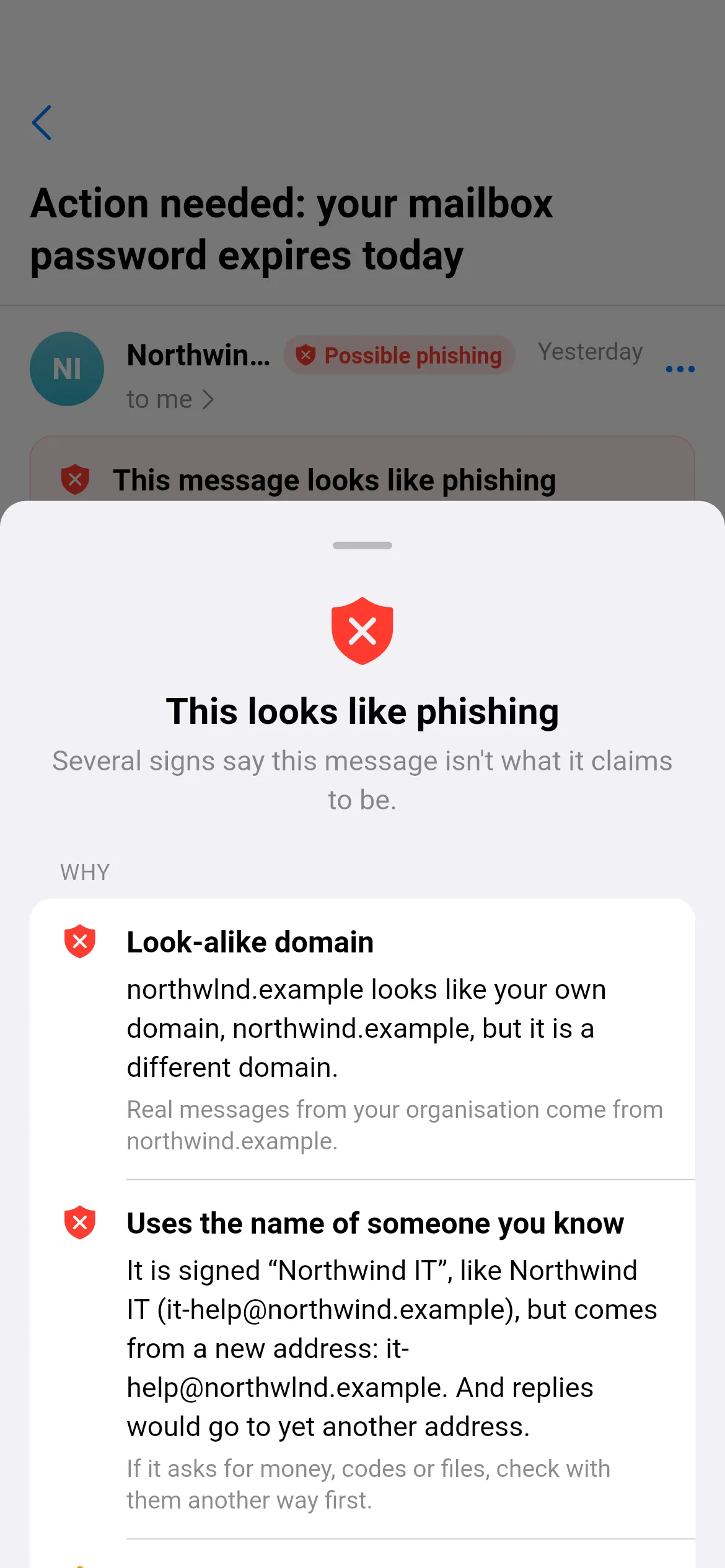
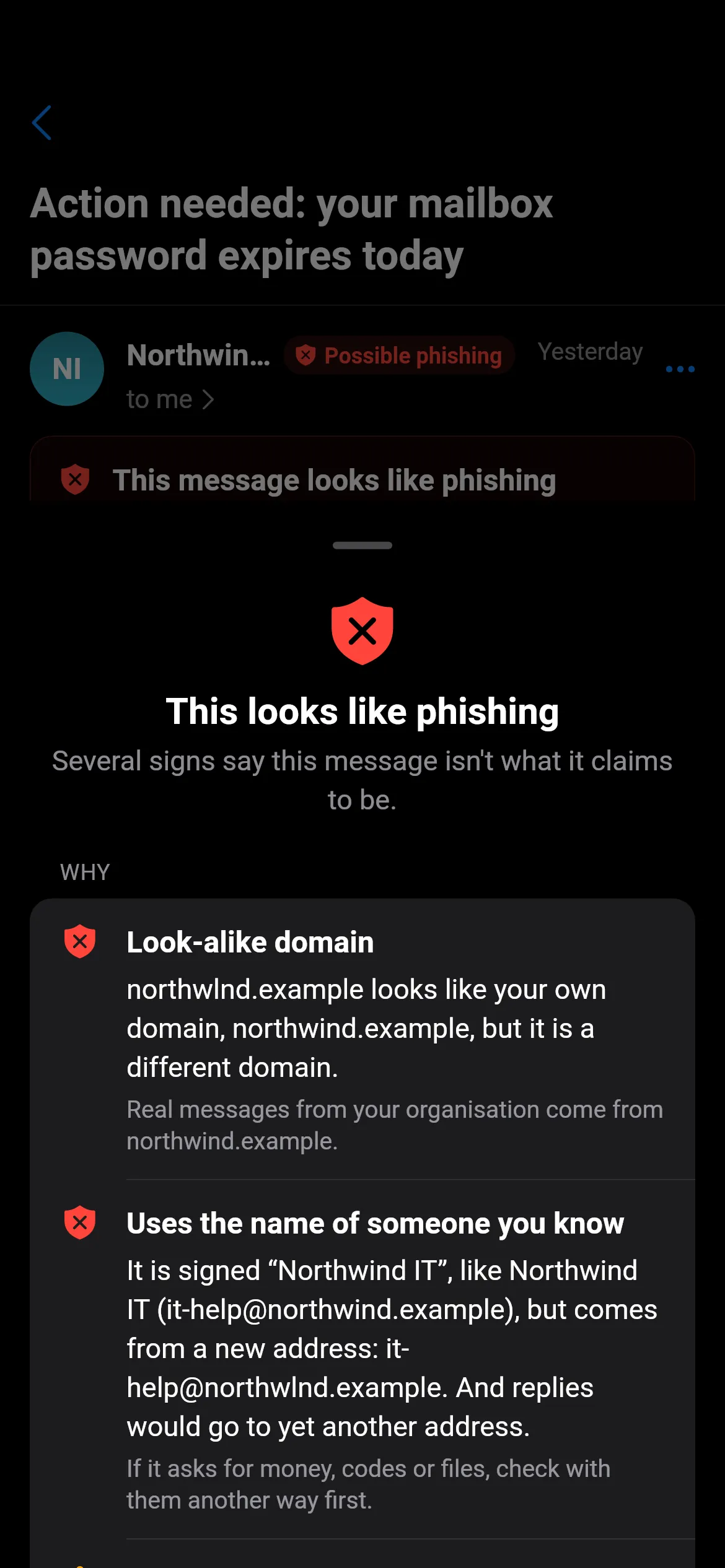
Explainable phishing check
Suspicious links and look-alike domains are flagged, with the reason in plain words.
Read the guideCalendar invitations
Accept, Maybe or Decline right above the message, with both time zones when they differ.
Read the guideIMAP and JMAP
Any IMAP provider with autoconfig, plus native JMAP for Fastmail and Stalwart.
Read the guideTablets and keyboards
Three panes, keyboard shortcuts, drag and drop, and a command palette on Ctrl+K.
Read the guide